I built a free, browser-based projection mapping application that runs entirely client-side. No server required, just vanilla JS, HTML, and CSS.
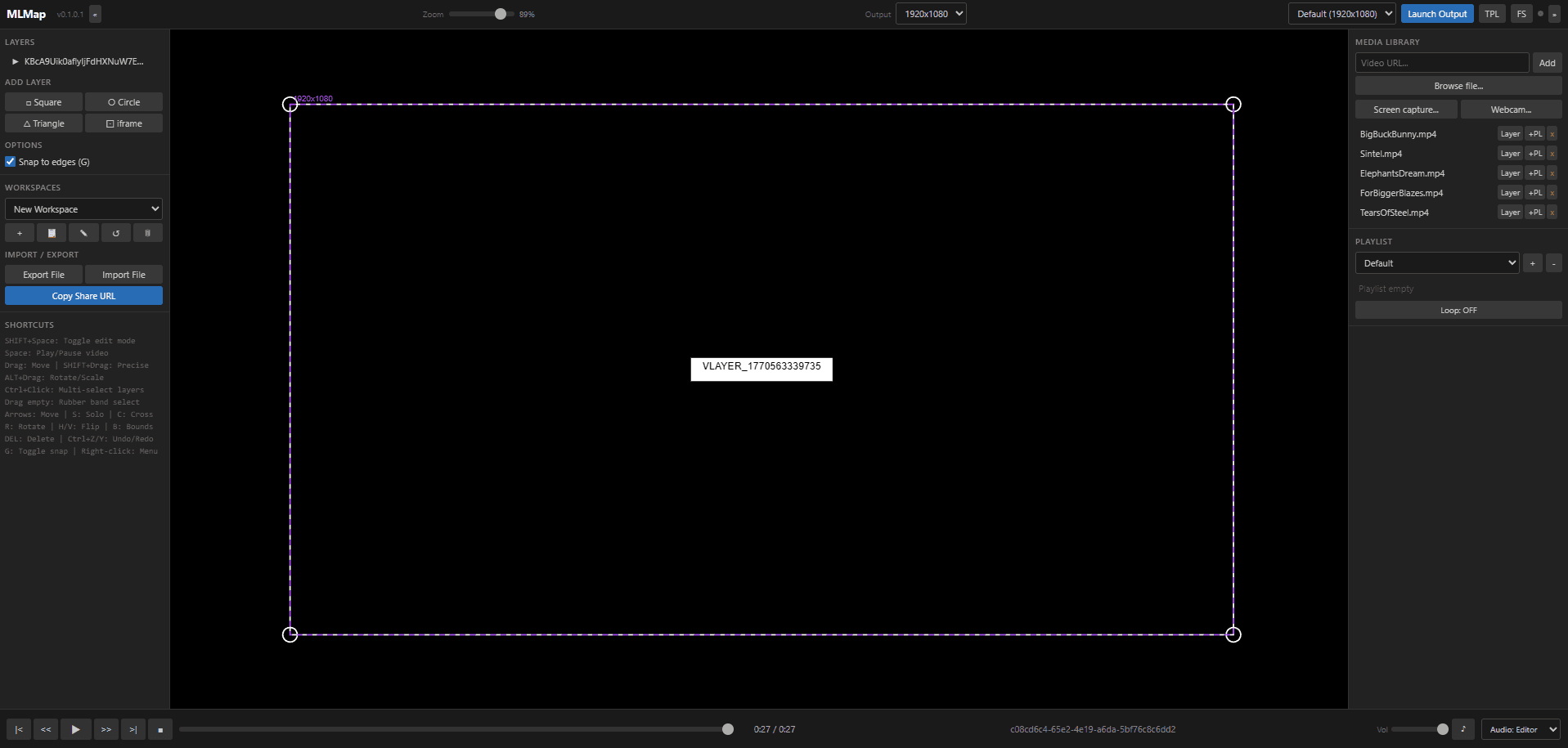
Since always I loved projection mapping and it caught my attention. Since I have a projector, I was looking for some software that would allow me to do it, but all the options out there are paid and quite expensive.
I searched for open source alternatives, but they didn't work well, they were very confusing to use, and so on. That's why I decided to create an online program that allows doing things not too complex (at least for now) that allows managing a projector/monitor as a screen and being able to use with timeline to put videos, control them OBS-style, adjust formats to real object shapes, etc.
MLMap is a browser-based projection mapping application built with TypeScript. It runs entirely on the client with no server required, making it easy to deploy as a static site or run directly from local files.
npm install
npm run build        # Production build (minified)
npm run dev          # Development build
npm run dev:watch    # Development build with file watching
Open index.html in your browser. No web server is required (file:// works).
To project on an external display, click Launch Output in the toolbar. The output window (display.html) opens separately and receives all layout and video data via BroadcastChannel.
I've always been fascinated by projection mapping. Finding that all the professional tools were expensive and the free alternatives were either broken or too complicated, I knew there had to be a better way.
MLMap is my solution to this problem - a free, accessible tool that anyone with a projector can use to create stunning visual experiences.
The project is still in development, so there may be some bugs or errors. I'm constantly working on adding new features and improving the existing ones. Some things on the roadmap include:
Live demo: https://fjrg2007.github.io/mlmap/
Source code: https://github.com/FJRG2007/mlmap
Give it a try and let me know what you think!

Learn more about my work and projects!